Product
Add EveryField to any Salesforce page to see all your fields. It’s that easy.
Search
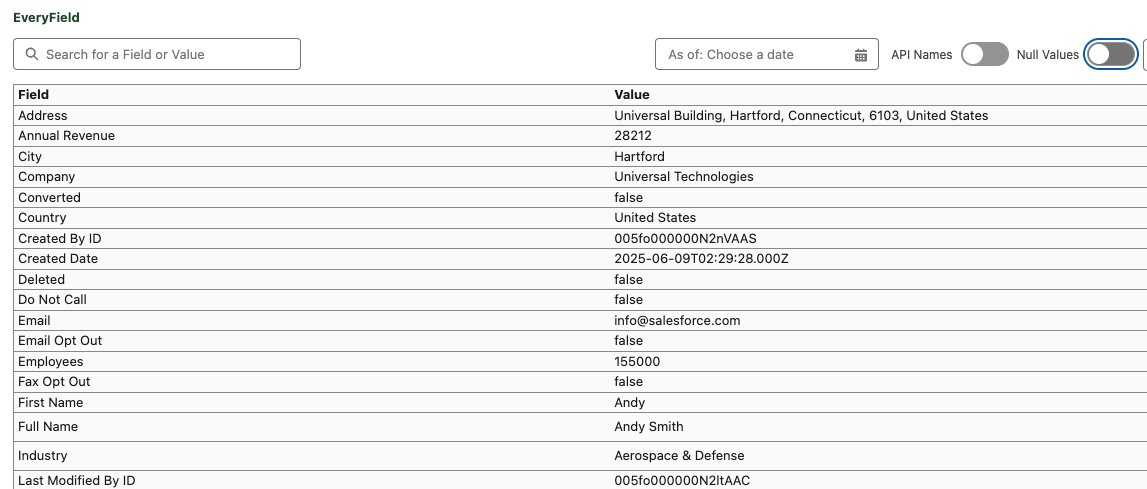
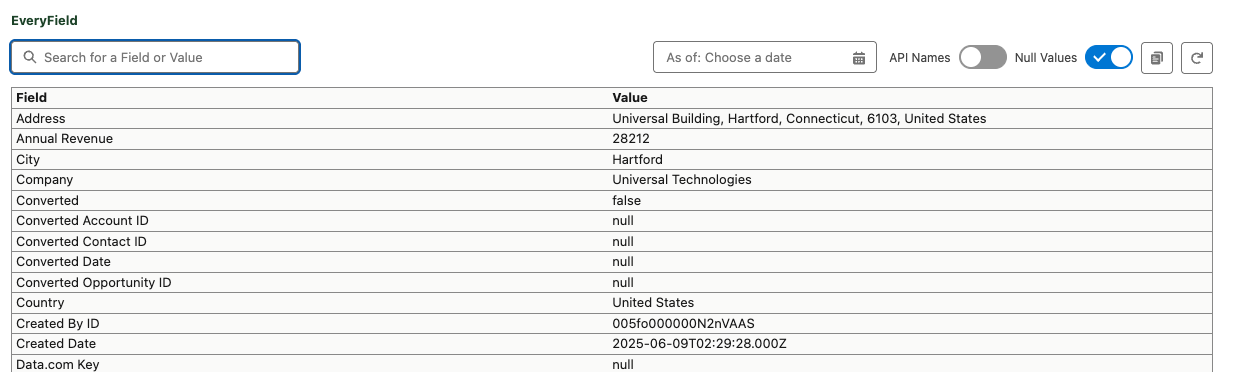
Type a field or a value. Every match comes up. Toggle API names to see the field label or the API name.


See which fields are empty, or hide them
Keep the page minimal
Use the EveryField action instead. The button opens the field list. The page stays clear.
Add in a second
Drag the EveryField component, button, or Lightning Action onto any Lightning record page.
MCP server tooling
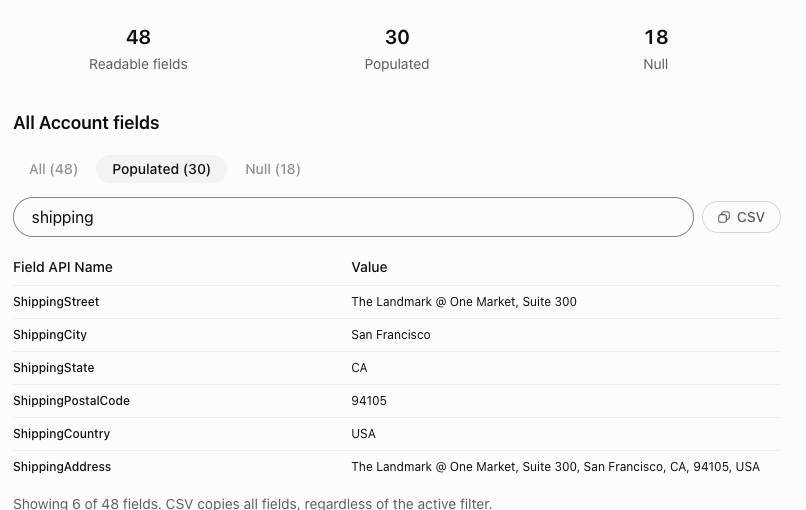
Add EveryField as a tool on a Salesforce MCP server. ChatGPT, Claude, and other MCP clients can ask for every readable field on a record. Search still works. Nulls can stay or go.
Starts a 7-day free trial. No credit card required.